
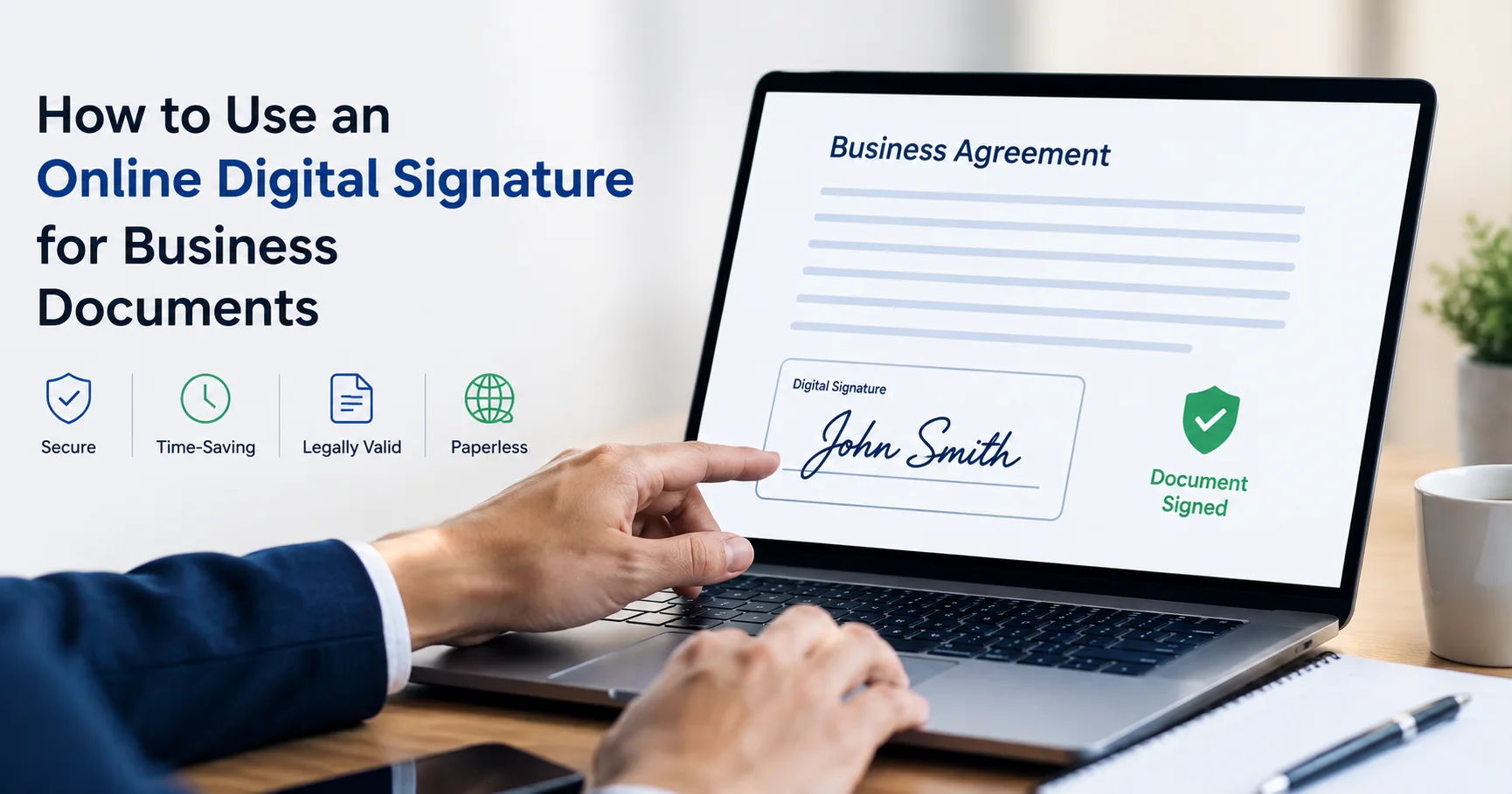
How to Use an Online Digital Signature for Business Documents
Business paperwork moves quickly, and waiting for printouts, scans, couriers, or handwritten approvals can delay routine transactions. An online digital signature for business documents gives companies a practical way to authenticate files, approve agreements, and complete workflows remotely. Instead of treating signing as a separate administrative task, businesses can make it part of a secure digital process.
What Is a Digital Signature and Why Does It Matter?
A digital signature is a cryptographic method that verifies a signer's identity and helps confirm that an electronic document has not been altered. It is different from typing a name into a PDF or pasting an image of a handwritten signature. A digital signature uses digital certificates, public-key cryptography, and certificate authorities to create a verifiable signing record.
Understanding how to use a digital signature for business documents begins with identifying the signing method your organization needs. Some workflows require a Digital Signature Certificate (DSC), which can support how to use a digital signature for business documents in regulated workflows, while others use electronic signature platforms for general agreements. The right choice depends on the document, applicable regulations, and required level of identity assurance.
For companies handling contracts, purchase orders, invoices, applications, declarations, or compliance records, digital signing can improve accountability. It also creates a stronger audit trail by connecting the signature with certificate information, signer identity, and document integrity.
How to Use an Online Digital Signature for Business Documents
The process is straightforward when the certificate, signing application, and final document are ready. Although interfaces vary by provider, the basic workflow is similar.
First, prepare the final document. Check names, dates, amounts, clauses, attachments, and approval details. Once a signature is applied, editing the file may invalidate it or require a new signing process.
Next, select a trusted signing platform or certificate-based solution. If your business uses a DSC, confirm that the certificate is valid and that the required token, utility, or browser component is installed and recognized.
Upload the document and select where the signature should appear. Depending on the platform, you may need to choose the certificate, enter a PIN, authenticate your identity, or complete another verification step. Review the document once more before confirming.
After authentication, the system applies the cryptographic signature. The completed file can then be shared with recipients, making an online digital signature for business documents useful for remote approvals. Verification tools can show whether the certificate is valid and whether the document changed after signing.
When learning how to digitally sign business documents online, remember that signing is only one part of the workflow. Define who can sign, which documents need approval, where signed files are stored, and how access is controlled.
Online Document Signing for Businesses: A Practical Workflow
Online document signing for businesses works best when connected to existing approval processes. For example, a sales agreement might move from drafting to legal review, management approval, signature, and secure storage. This creates a clear chain of responsibility instead of relying on scattered email attachments, which is a key advantage of online document signing for businesses.
Security should remain central. Protect signing credentials, restrict access to authorized users, maintain secure backups, and verify certificates before relying on a signature. Also distinguish between an electronic signature for business documents and a certificate-based digital signature because they may provide different levels of assurance and may be subject to different legal or regulatory requirements.
A well-designed process can also make remote collaboration easier. Employees can sign from different locations without printing paperwork, while managers can monitor pending approvals. For recurring transactions, standardized templates and automated reminders can further reduce delays.
Choosing an Online Digital Signature for Business Documents
Before selecting a solution, consider the documents your company signs, number of users, identity verification needs, integrations, and compliance obligations. The solution should be simple enough for employees to use consistently while robust enough to protect sensitive records.
A reliable digital signature for business documents should fit the company's long-term workflow. A low-cost option may become expensive if employees need complicated workarounds or repeatedly download and re-upload files.
Businesses in India may encounter transactions where a DSC is specifically required. In such cases, obtain the appropriate certificate through an authorized provider and follow the applicable signing requirements. Services such as Rajasthan DSC Services can assist with certificate procurement, but the business should verify requirements for its specific use case.
Best Practices for Secure Digital Signing
A few habits make digital signing safer and more reliable:
- Keep certificates and signing credentials under authorized control; never share a PIN or private key.
- Verify the recipient, document version, financial details, and contractual terms before signing.
- Store the original signed file and maintain an appropriate retention and backup process.
- Define signing authority, approval levels, and procedures for expired or revoked certificates.
For teams adopting an electronic signature for business documents, user education is equally important. Employees should know how to identify legitimate signing requests, verify files before approval, and report suspicious activity. Good processes reduce the risk of unauthorized signatures and accidental approvals.
Common Business Use Cases
Companies can use digital signing across departments. Human resources can manage offer letters, employment documents, policy acknowledgments, and onboarding forms. Sales teams can execute customer contracts and service agreements. Procurement can approve purchase orders and vendor paperwork. Finance teams can handle invoices, declarations, and authorization forms.
Legal and compliance teams can benefit from searchable records and clearer approval histories. For remote teams, digital signing removes the need to coordinate physical paperwork while preserving a documented approval trail.
When teams understand how to use a digital signature for business documents effectively, the main benefit is not merely replacing ink. It is creating a faster, more traceable document lifecycle from preparation through approval and storage.
Explore More: Class 3 digital signature | Foreign class 3 organisation combo dsc | Digital signature usb token
How to Digitally Sign Business Documents Online Without Mistakes
To digitally sign business documents online, start with a finalized file and verify every important field before authentication. Confirm that the certificate belongs to the intended signer and is valid for the transaction. If a document has multiple signature fields, follow the correct signing order when you digitally sign business documents online.
After you digitally sign business documents online, open the completed file in compatible PDF or verification software and check its signature status. A valid result should indicate whether the document remains unchanged and provide relevant certificate information.
If a signature shows as invalid, do not ignore the warning. Common causes include changes made after signing, an expired or revoked certificate, an untrusted certificate chain, or software compatibility problems. Resolve the issue before sending the document as an approved record.
Why Businesses Should Adopt Digital Signing
An online digital signature for business documents can reduce paper dependency, speed up approvals, and provide stronger evidence of who signed a document and when. Combined with access controls, audit trails, document management, and clear approval policies, it becomes part of a broader digital transformation strategy.
The aim is not simply to replace ink. It is to create a dependable process in which documents can be created, reviewed, signed, verified, and stored with minimal friction. Businesses that approach signing this way can improve operational efficiency while maintaining appropriate security and compliance controls.
Conclusion
Adopting an online digital signature for business documents is a practical step toward faster, more organized operations. Choose the right signing method, prepare files carefully, protect credentials, verify completed signatures, and maintain secure records. With a well-designed workflow, businesses can reduce unnecessary paper handling while keeping approvals efficient, traceable, and easier to manage.